
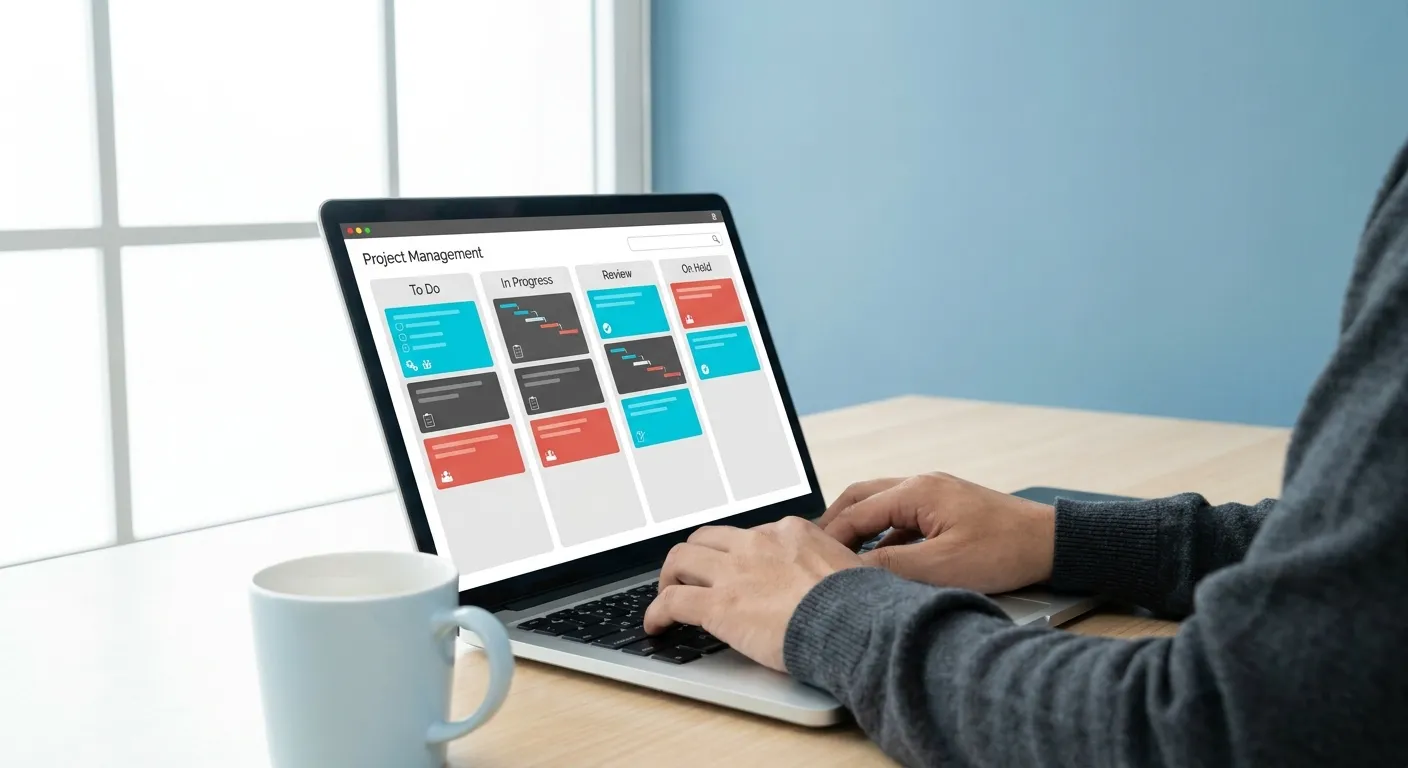
Managing projects, whether personal or professional, can be a complex endeavor. From tracking tasks and setting deadlines to coordinating team efforts, the right tools can make all the difference. Fortunately, a host of excellent free online project management tools are available, offering robust features without the hefty price tag. These platforms are ideal for individuals, small teams, and startups looking to streamline their workflows, enhance collaboration, and keep projects on track without breaking the bank. Let’s dive into our top five selections.
1. Asana: Collaborative Task Tracking
Asana is a widely recognized project management tool known for its flexibility and user-friendly interface. Its free tier is particularly strong for small teams (up to 15 users) needing to manage tasks, create to-do lists, and track progress effectively. You can create projects, assign tasks, set due dates, and add comments or files. Asana supports various views, including list, board, and calendar, allowing teams to visualize their work in a way that suits their style. While advanced features like portfolios and custom fields are reserved for paid plans, the core functionalities for basic task management and team collaboration are robust and highly valuable for getting started.
Furthermore, Asana’s intuitive design means a shorter learning curve for new users. Teams can quickly adapt to its system, thereby accelerating project initiation. The ability to attach files directly to tasks also centralizes information, reducing time spent searching for documents. This feature is particularly useful for teams working with diverse digital assets. Moreover, its mobile application ensures that project updates and task management are accessible on the go, facilitating continuous productivity. Consequently, many small businesses find Asana an indispensable resource for daily operations.
2. Trello: Visual Workflow Management
Trello leverages the Kanban board methodology, making it incredibly intuitive for visual thinkers. Projects are represented as boards, tasks as cards, and workflows as lists. You can drag and drop cards between lists (e.g., ‘To Do,’ ‘Doing,’ ‘Done’) to visualize progress. Each card can hold detailed information, including checklists, due dates, attachments, and comments. Trello’s free plan is generous, allowing unlimited cards, lists, and boards, along with basic automation and integrations. It’s an excellent choice for teams that prefer a visual overview of their work and value simplicity in task organization.
In addition, Trello’s power lies in its simplicity and adaptability. Teams can customize boards to fit specific project needs, from content calendars to software development sprints. The ‘Power-Ups’ feature, even in its free version, offers valuable integrations with other applications, further extending its utility. For example, connecting with Google Drive or Slack enhances communication and file sharing. This makes Trello a highly versatile option for different types of projects and team structures. Therefore, it is often recommended for those new to project tracking software.
3. ClickUp: All-in-One Customization
ClickUp positions itself as an all-in-one productivity platform, and its free plan offers a surprising amount of functionality. It caters to a wide range of project management styles with various views (list, board, calendar, Gantt, table, etc.), custom statuses, and task dependencies. For individuals and small teams, the free tier includes unlimited tasks, 100MB of storage, and access to many of its core features, such as goals, subtasks, and assigned comments. While it has a steeper learning curve due to its extensive customization options, ClickUp is a powerful choice for those who need a highly adaptable solution for diverse project needs.
Specifically, ClickUp’s robust feature set allows users to manage virtually any type of project. Its customizability means that teams can tailor the platform to their exact workflows, rather than adapting to the tool. This includes setting up unique task statuses for different project phases, which greatly enhances clarity. The ability to create goals and track progress against them also provides a clear direction for team efforts. Consequently, many growing teams find ClickUp’s scalability appealing, even on its free tier. It supports complex needs without immediate financial commitment.
4. Wrike: Robust Team Collaboration
Wrike offers a free plan designed for teams of up to 5 users, providing a solid foundation for collaborative work. It includes essential features like task management, interactive Gantt charts (for project timelines), and shared dashboards. Wrike’s focus is on streamlining communication and improving visibility across projects. Users can easily create tasks, assign them, and track their status. It also integrates with popular tools like Google Drive and Microsoft 365, simplifying document management. This makes Wrike a strong contender for small teams prioritizing structured collaboration and clear project oversight.
Moreover, Wrike’s free version supports basic reporting, which helps teams understand their productivity and identify bottlenecks. The interactive Gantt charts are particularly useful for visualizing project timelines and dependencies, ensuring that critical path tasks are managed effectively. This visual representation aids in proactive planning and risk mitigation. For instance, knowing when a task is delayed allows for immediate adjustments. Therefore, Wrike is an excellent option for teams that require more structured planning capabilities from their project management solution. It helps maintain focus and efficiency.
5. Monday.com: Intuitive Project Tracking
Monday.com is celebrated for its highly visual and intuitive interface, making project tracking straightforward and engaging. Its free plan, designed for up to 2 users, offers unlimited boards and documents, making it ideal for individuals or very small teams. Users can create custom workflows, track progress with color-coded statuses, and collaborate on tasks. While the free version has limitations on integrations and advanced features, its core functionality for managing tasks, projects, and team workloads is highly effective. It simplifies complex information into easily digestible visual boards.
Furthermore, Monday.com’s strength lies in its ability to centralize all project information in one accessible place. This reduces communication overhead and ensures everyone is on the same page. The platform’s visual nature helps teams quickly grasp project status and individual responsibilities. For example, a quick glance at a board can reveal overdue tasks or completed milestones. This enhances transparency and accountability within the team. Consequently, it is a fantastic choice for those seeking a user-friendly and visually appealing way to manage their projects efficiently. It empowers users to take control of their workflows.
Why Use Project Management Platforms?
Effective project management is critical for success in any endeavor, from developing new software to organizing a marketing campaign. Project management platforms provide a centralized hub for all project-related activities. They help teams define goals, allocate resources, and monitor progress. Without these tools, projects can quickly become disorganized, leading to missed deadlines and budget overruns. Ultimately, they enhance communication and accountability, which are vital for team cohesion.
These platforms offer numerous benefits. Firstly, they improve task organization. Tasks can be broken down into smaller, manageable steps, and assigned to specific team members. Secondly, they facilitate collaboration. Team members can communicate within the platform, share files, and provide updates, reducing the need for endless email chains. Thirdly, they provide transparency. Everyone involved can see the project’s status, upcoming deadlines, and who is responsible for what. This clarity is especially important in the modern workplace, where teams might be geographically dispersed. Interestingly, the shift towards digital tools also impacts broader trends, as explored in Digital Media Publishing: How Content Is Changing.
Key Features to Look for in Project Management Solutions
When selecting among various project management solutions, consider several key features. Task management is fundamental; it should allow for task creation, assignment, due dates, and status updates. Collaboration tools, such as comments, file sharing, and real-time editing, are also essential for team productivity. Additionally, reporting and analytics features can provide insights into project performance and resource utilization. These help in making informed decisions and optimizing future projects.
Furthermore, look for platforms that offer different project views. Some teams prefer Kanban boards for visual workflow, while others might favor Gantt charts for detailed timelines. Integration capabilities with other essential business tools, like communication apps or cloud storage, are another important aspect. A good platform should seamlessly fit into your existing digital ecosystem. Scalability is also crucial; consider if the tool can grow with your team’s needs, even if you start with a free version. For example, some tools like Asana and Trello offer robust functionality even in their no-cost versions, making them excellent choices for those seeking free project management solutions.
Who Benefits from Free Project Management Tools?
Free project management tools are particularly beneficial for a wide range of users. Small businesses and startups often operate with limited budgets, making cost-effective solutions highly attractive. These tools allow them to implement structured project workflows without significant upfront investment. Individual freelancers and solopreneurs can also use these platforms to manage their client projects, personal tasks, and deadlines efficiently. Similarly, students working on group projects find these tools invaluable for coordinating efforts and ensuring everyone contributes effectively.
Moreover, non-profit organizations frequently rely on free resources to maximize their impact. These tools provide them with the organizational capacity needed to run campaigns and manage initiatives without diverting funds from their core mission. Even larger organizations might use free tiers for pilot projects or for specific departmental needs that don’t require enterprise-level features. Ultimately, anyone seeking to improve their organizational skills and collaboration can benefit from these accessible platforms. They are a gateway to better productivity and streamlined operations, showcasing how technology influences even daily routines, much like the insights in Tech Industry Future of Work: What Is Changing?.
Maximizing Your Use of No-Cost Project Management Software
To get the most out of any no-cost project management software, start by clearly defining your project goals and requirements. Understand what you need the tool to do for you and your team. Begin with a small project to familiarize yourself with the platform’s features before rolling it out for larger initiatives. This incremental approach helps in identifying the most useful functionalities and adapting your workflow accordingly. It also reduces the learning curve for team members.
Additionally, encourage consistent use among all team members. The effectiveness of any collaborative tool depends on everyone actively engaging with it. Establish clear guidelines for how tasks should be created, updated, and closed. Regular training sessions or quick tutorials can help reinforce best practices. Many of these platforms offer extensive online resources and community forums, which can be great sources of tips and troubleshooting advice. Always remember to periodically review your usage and adjust your approach as your project needs evolve. For instance, consider exploring advanced features once your team is comfortable with the basics. Some of the best free online project management tools offer surprising depth for their no-cost tiers.
The Future of Collaborative Work
The landscape of work is continuously evolving, with an increasing emphasis on remote collaboration and agile methodologies. Project management tools are at the forefront of this transformation, enabling teams to work together seamlessly regardless of their physical location. The development of AI-powered features and more sophisticated automation is set to further enhance these platforms, making project management even more intuitive and efficient. This evolution reflects a broader trend in how technology shapes our interactions, a topic also discussed in Social Connections Shape Communities and Daily Life.
As technology advances, we can expect these platforms to become even more integrated with other business applications, creating a truly unified workspace. Imagine a future where your project management tool not only tracks tasks but also automatically generates reports, forecasts potential delays, and even suggests resource reallocations. This will free up valuable human time to focus on more creative and strategic aspects of project work. The accessibility of options, including many free project management tools online, ensures that even small teams can participate in this future of streamlined, intelligent collaboration. For more insights into how technology influences various aspects of life, explore articles from reputable tech news sources like The Verge or TechCrunch.
Conclusion
Choosing the right project management tool can significantly impact your team’s productivity and project success. The five platforms highlighted—Asana, Trello, ClickUp, Wrike, and Monday.com—each offer distinct advantages within their free tiers. Whether you prioritize visual organization, extensive customization, robust collaboration, or overall simplicity, there’s a valuable option available. These free online project management tools demonstrate that effective project oversight doesn’t require a significant financial investment. By carefully considering your team’s specific needs and exploring these options, you can find a solution that helps you achieve your project goals efficiently and collaboratively.
FAQ Section
What are the best no-cost project tracking platforms for small teams?
For small teams, platforms like Asana and Trello are excellent choices. Asana offers strong task management for up to 15 users, while Trello excels with its visual Kanban boards, supporting unlimited cards and boards. ClickUp also provides a generous free plan with many features for varying team sizes.
Can I use these complimentary project management solutions for personal projects?
Absolutely! Many individuals use these platforms for personal task management, goal setting, and organizing hobbies or events. Tools like Trello and Monday.com, with their intuitive interfaces, are particularly well-suited for individual use, helping to keep personal projects on track.
What are the limitations of free versions compared to paid plans?
Typically, free versions have limits on the number of users, storage space, advanced reporting features, integrations, and certain premium functionalities like custom fields or advanced automation. However, for basic to moderately complex project needs, the free tiers often provide ample functionality.
How do these no-cost project organizers enhance team collaboration?
These tools centralize communication, task assignments, and file sharing. Team members can comment on tasks, receive notifications, and view project progress in real-time. This reduces miscommunication and ensures everyone is aligned, fostering a more collaborative environment.
Are there any hidden costs with these free online project management tools?
No, the platforms listed offer genuinely free tiers with no hidden costs for their advertised features. They operate on a freemium model, meaning they offer more advanced features or higher user limits through paid subscriptions. You can use the free versions indefinitely without charge.